Here's what Backlit actually does.

It handles the thinking, tracking, and follow-through—so you don't have to.

01

Reads your email for you

Backlit triages your inbox—extracting who needs what, by when, and what you should do about it. Obligations, deadlines, and next steps surface automatically. You stop reading every email to figure out what matters.

02

Captures anything, as-is

Snap a photo of a form. Forward a confusing email. Drop a voice note in the car. Backlit takes messy, incomplete inputs and turns them into structured understanding—no sorting or tagging required.

03

Keeps everything connected

That insurance claim ties back to the phone call last Tuesday and the email from your provider. Backlit links people, obligations, timelines, and context into living threads so nothing lives in isolation.

04

Prepares your next move

Before you ask, Backlit drafts the reply, outlines the next steps, and proposes the calendar change. You review, edit if needed, and approve. The hard part is already done.

05

Interrupts only when it should

No pings about things that don't matter. Backlit reaches out when a decision is needed, a deadline is approaching, or something requires your specific input. If it's not worth your attention, you won't hear about it.

06

Shows your whole world at a glance

What's happening now. What's coming soon. What's at risk. One view across every part of your life—not a dashboard to manage, just clarity whenever you want it.

Backlit, quietly.

Sara · VP of Product, two kids

Sara at her kitchen island, focused on laptop with coffee, afternoon light

Tuesday 4:30. Deep in exec review prep. Emma's soccer coach just emailed.

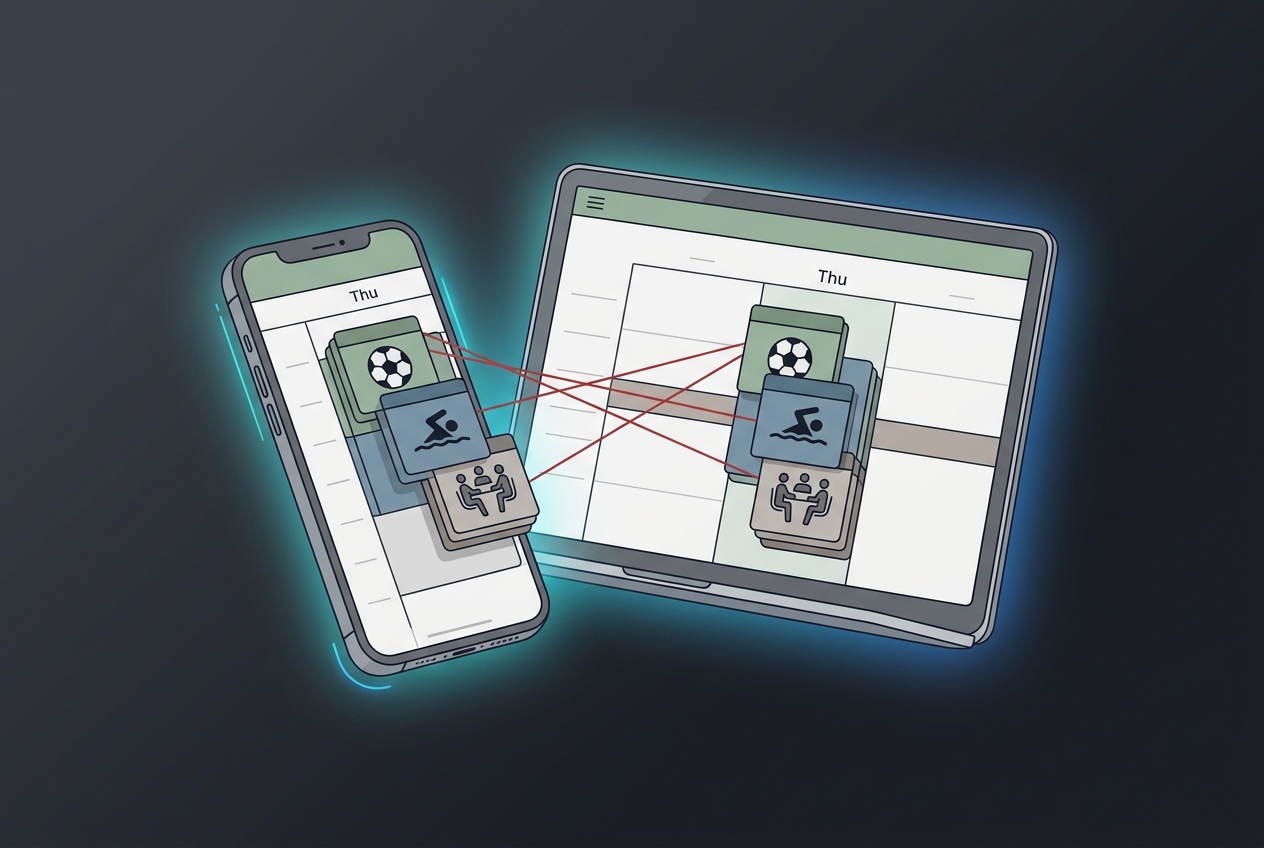
Floating notification cards showing calendar conflicts being analyzed

Backlit spots three collisions on Thursday — soccer, Lucas's swim, and the exec review.

Sara at kitchen island, relaxed, phone showing sent messages

Two taps. She never left her desk.

Exec review moved to Friday. Her husband pinged. Swim marked skippable.

Miguel · Shift worker, single dad
Miguel in safety vest working in a warehouse, morning light

Wednesday 7 AM. Picking orders on the warehouse floor.

Floating phone screen showing a school flyer being analyzed by Backlit

He forwards Sofia's photo of a crumpled flyer. Backlit reads it — early dismissal Friday, noon.

Miguel back at work with a small smile, glancing at phone

One forwarded photo. Never clocked out.

His sister confirmed for pickup. School notified. 11:45, sorted.

Callum · Freelancer, shared custody
Callum at home desk with laptop, papers, custody calendar on wall

Thursday night. Custody week starts Sunday. Two invoices still outstanding.

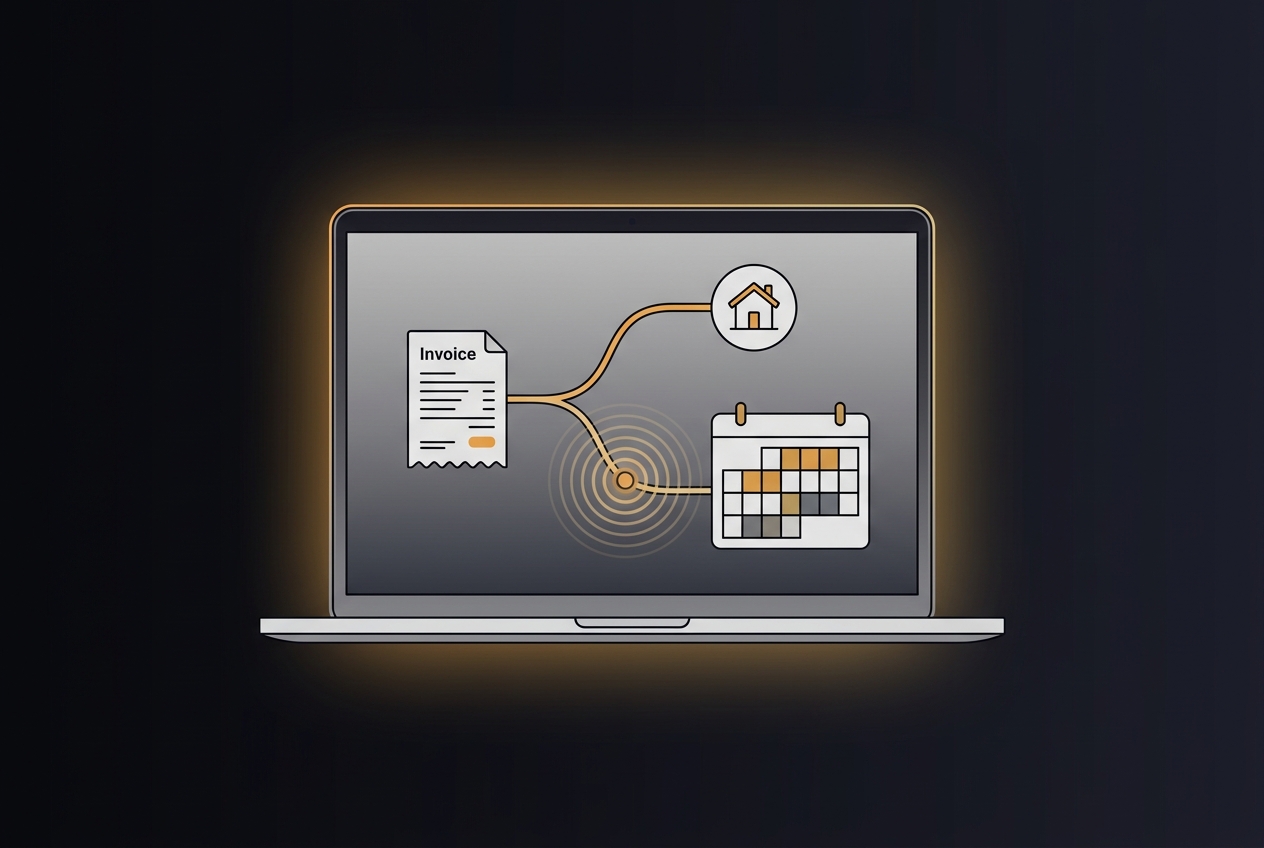
Floating financial thread visualization showing ripple from delayed payment

A client delays payment 30 days. Backlit traces the ripple — rent Monday, groceries for two.

Callum leaning back calm, laptop showing organized financial overview

Full picture, before the crisis.

Cash flow mapped through custody week. A second invoice due Thursday covers the gap.

Connects to what you already use.

Backlit plugs into the tools you already use — nothing to migrate.

Email
Calendar
Photos & Screenshots
Voice Notes
Documents & PDFs
More integrations on the way

Make space for what matters.

Backlit is built to support the thinking, tracking, and follow-through behind everyday life, so you can stay focused on what's important to you.

We'll never share your email with anyone else.